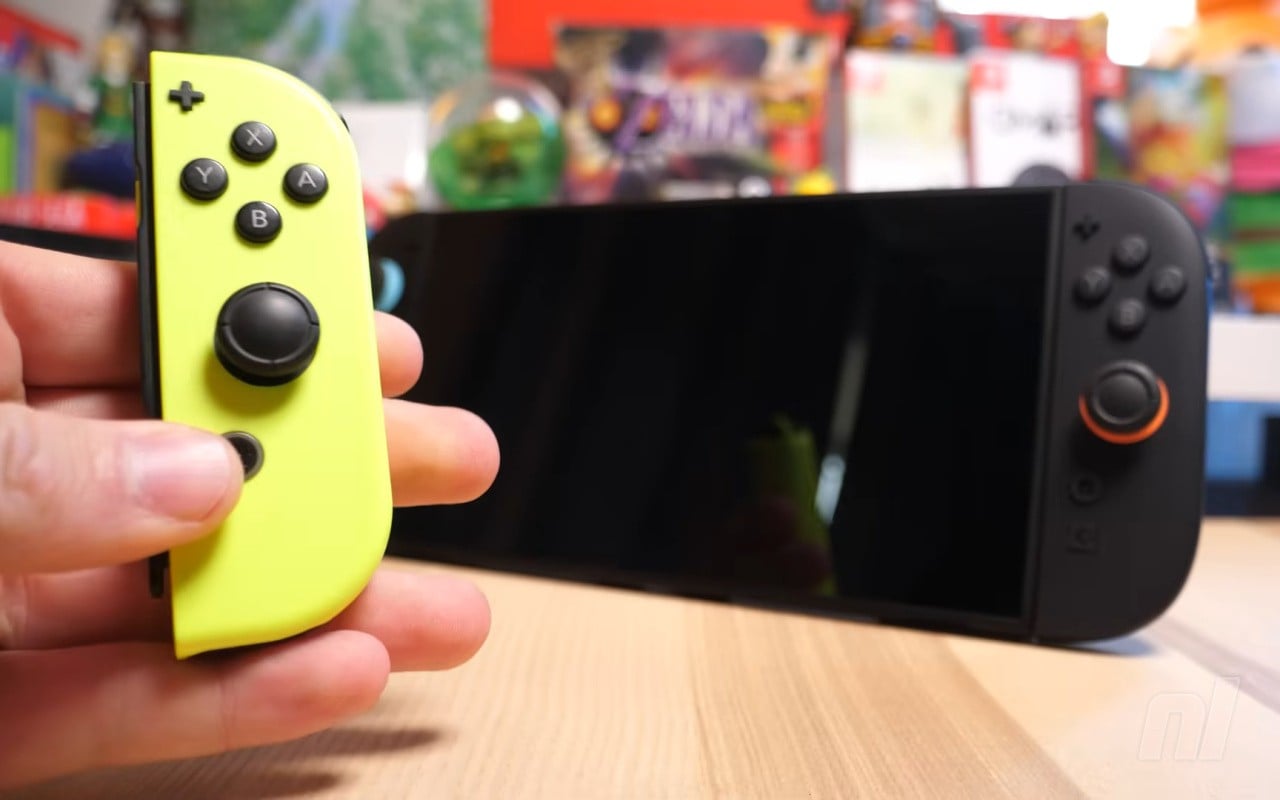
Nintendo just released a significant Switch 2 firmware update featuring a standout addition: Handheld Mode Boost. This new option lets compatible Switch games run in handheld mode with performance and visuals closer to docked play-right on the go.
To activate it, update your Switch 2 to firmware Version 22.0.0. Then navigate to System Settings → System → Nintendo Switch Software Handling and toggle Handheld Mode Boost. Thanks to the Switch 2’s 1080p handheld screen (up from the original’s 720p), older Switch games can look sharper and run smoother-if they support the boost.
Why players should care
This update is a game-changer for anyone with a backlog of Switch titles. Many games previously ran at lower resolutions or with reduced effects in handheld mode. Now, Handheld Mode Boost lets you enjoy improved visuals and performance untethered from your TV. For games that struggled in handheld, this can mean a noticeably better experience on the Switch 2’s upgraded display.
That said, there are trade-offs. Boosting performance increases power consumption, so expect shorter battery life. Touch screen support is disabled while the boost is active, and Joy-Con 2 controllers are treated as a single Pro Controller. To use other controller setups, you’ll need to detach the Joy-Cons first. Not every game benefits-some remain unchanged, and the feature doesn’t affect Switch 2-native software.
How to activate Handheld Mode Boost
- Update your Switch 2 to firmware Version 22.0.0.
- Open System Settings from the HOME menu.
- Scroll to System and select Nintendo Switch Software Handling.
- Toggle Handheld Mode Boost on or off.
Note: This feature is exclusive to Switch 2 hardware and won’t work on the original Switch or Switch Lite.
What’s the catch?
The promise of docked-level visuals on handheld is tempting, but the boost comes with real compromises. Battery life will take a hit, and some in-game prompts may not function properly due to forced TV mode operation. If you rely on the touch screen for certain games, that functionality disappears while the boost is enabled. Multiplayer or motion-heavy games might also face controller quirks.
Still, for single-player or graphics-intensive games, Handheld Mode Boost could be the feature that finally lets the Switch 2’s hardware shine away from the dock. Just be sure to keep your charger close.
The bottom line
- Handheld Mode Boost lets Switch games run in handheld mode as if docked-offering sharper visuals and better performance at the cost of higher battery drain.
- Touch screen is disabled, and controller behavior changes. It only works with compatible Switch games, not Switch 2-native titles.
- Firmware 22.0.0 is required. Find the setting under System Settings → Nintendo Switch Software Handling.