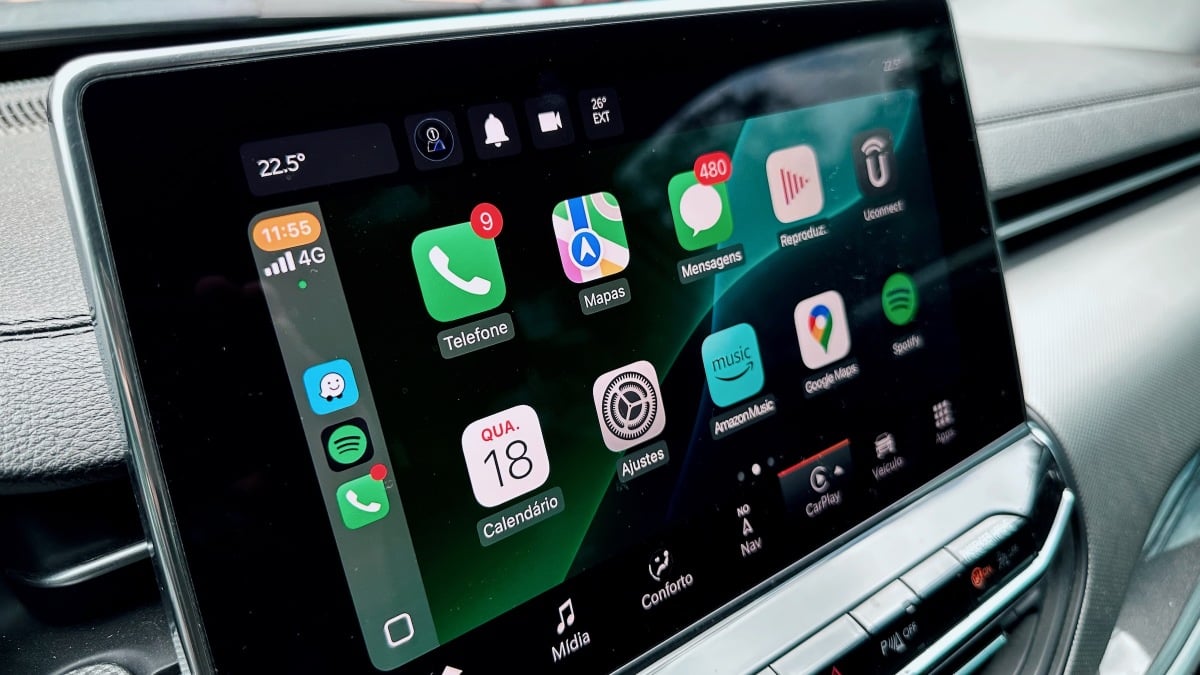
OpenAI has introduced a voice-first ChatGPT experience for Apple CarPlay, allowing drivers to interact with the AI chatbot directly from their car’s dashboard. If your iPhone runs iOS 26.4 and you have the latest ChatGPT app, you can now chat hands-free with ChatGPT while on the road.
How to Get ChatGPT Voice in Your Car
Getting started is straightforward: update your iPhone to iOS 26.4, install the newest ChatGPT app from the App Store, and connect your phone to CarPlay. Once connected, launch the ChatGPT app via CarPlay to start a new voice conversation or continue an existing one.
What ChatGPT Voice Can-and Can’t-Do
This feature is built for hands-free, voice-first interaction, helping you keep your eyes on the road. However, don’t expect ChatGPT to replace your navigation system or control your car’s functions. It can’t access maps, vehicle data, or live location. It also won’t manage other apps like Maps, Mail, or Slack. Simply put, ChatGPT Voice is here for conversation-not for driving tasks.
OpenAI emphasizes safety, advising users to operate their devices only when it’s legal and safe. Set up the app before you start driving, and rely on voice commands-avoid distractions from your screen while behind the wheel.
Why This Matters for Drivers
For drivers, this means you can ask ChatGPT to answer questions, summarize news, or brainstorm ideas without touching your phone. It offers a hands-free way to stay productive or entertained on the road-just don’t expect it to provide turn-by-turn directions or send messages for you. That’s a key difference from other in-car voice assistants like Siri or Google Assistant, which integrate more deeply with navigation and messaging.
Looking ahead, if OpenAI expands CarPlay integration, deeper features-like navigation or app control-might come, but for now, the focus remains on safe, conversational AI.
The bottom line
- ChatGPT Voice is now available on Apple CarPlay for iPhones running iOS 26.4.
- Hands-free chatting is enabled, but navigation and app control remain unavailable.
- Set up before driving and use voice commands to stay safe and compliant with the law.